Sanity
How to Add Schema Markup to Next.js Blog Articles
Learn how to implement Next.js schema markup using JSON-LD to unlock rich results, boost SEO, and add BlogPosting, FAQPage, and BreadcrumbList structured data to your blog.
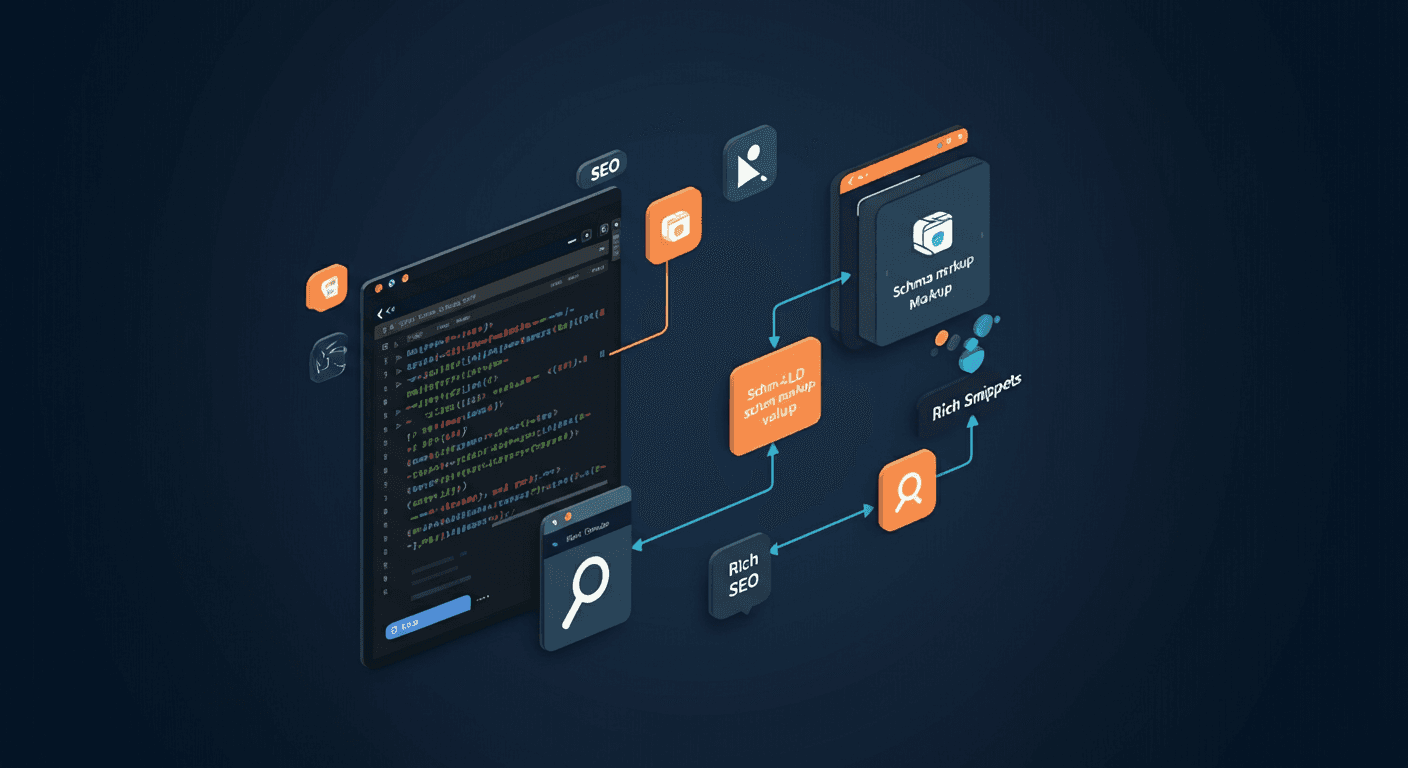
If you're building a blog with Next.js, you're already ahead of the curve — but without schema markup, you're leaving serious SEO value on the table. Next.js schema markup lets search engines understand your content at a deeper level, unlocking rich results like star ratings, FAQ dropdowns, and breadcrumb trails directly in Google's search results. In this tutorial, you'll learn exactly how to implement structured data in your Next.js blog using JSON-LD, step by step.
What Is Schema Markup and Why It Matters
Schema markup is a form of structured data — a standardized vocabulary (defined at schema.org) that you add to your pages to help search engines understand what your content means, not just what it says.
When Google can parse your structured data, it may display rich results in search: expanded snippets with images, FAQs, breadcrumbs, author info, and more. These enhanced listings typically earn higher click-through rates than plain blue links.
For blog articles specifically, schema markup can:
- Enable article rich results with author name, publish date, and thumbnail
- Surface FAQ dropdowns directly in the SERP
- Display breadcrumb trails beneath your URL
- Establish E-E-A-T signals (Experience, Expertise, Authoritativeness, Trustworthiness) via Person and Organization schema
The bottom line: structured data is one of the highest-leverage, lowest-effort SEO improvements you can make to a Next.js blog.
JSON-LD vs Microdata
There are three ways to add structured data to a webpage: JSON-LD, Microdata, and RDFa. Google supports all three, but strongly recommends JSON-LD — and for Next.js, it's the clear winner.
JSON-LD (JavaScript Object Notation for Linked Data) is injected as a <script> tag in the <head> of your document. It is completely decoupled from your HTML markup, which means:
- You can manage it independently of your JSX/TSX templates
- It's easy to generate dynamically from your CMS or data layer
- It doesn't clutter your component markup
- It's trivial to test and validate
Microdata embeds structured data attributes directly into your HTML elements (e.g., itemscope, itemtype, itemprop). While it works, it tightly couples your data model to your markup, making both harder to maintain. For Next.js schema markup, JSON-LD is the idiomatic choice. Every example in this tutorial uses JSON-LD.
Adding BlogPosting Schema to Next.js
The BlogPosting type (a subtype of Article) tells Google that a page is a blog article and provides key metadata like the headline, author, dates, and image.
Using the App Router (Next.js 13+)
In the App Router, inject your JSON-LD inside the page component itself using a <script> tag. You do not need next/head here. Place the following in your app/blog/[slug]/page.tsx file:
const jsonLd = {
  '@context': 'https://schema.org',
  '@type': 'BlogPosting',
  headline: post.title,
  description: post.excerpt,
  image: {
    '@type': 'ImageObject',
    url: post.image.url,
    width: post.image.width,
    height: post.image.height,
  },
  author: {
    '@type': 'Person',
    name: post.author.name,
    url: post.author.url,
  },
  publisher: {
    '@type': 'Organization',
    name: 'Your Blog Name',
    logo: {
      '@type': 'ImageObject',
      url: 'https://yourblog.com/logo.png',
    },
  },
  datePublished: post.publishedAt,
  dateModified: post.updatedAt ?? post.publishedAt,
  mainEntityOfPage: {
    '@type': 'WebPage',
    '@id': `https://yourblog.com/blog/${post.slug}`,
  },
};

// In your JSX:
<script
  type="application/ld+json"
  dangerouslySetInnerHTML={{ __html: JSON.stringify(jsonLd) }}
/>
Using the Pages Router (Next.js 12 and below)
In the Pages Router, use next/head to inject the script into the document <head>:
import Head from 'next/head';

export default function BlogPostPage({ post }) {
  const jsonLd = {
    '@context': 'https://schema.org',
    '@type': 'BlogPosting',
    headline: post.title,
    description: post.excerpt,
    datePublished: post.publishedAt,
    dateModified: post.updatedAt ?? post.publishedAt,
    author: { '@type': 'Person', name: post.author.name },
  };

  return (
    <>
      <Head>
        <script
          type="application/ld+json"
          dangerouslySetInnerHTML={{ __html: JSON.stringify(jsonLd) }}
        />
      </Head>
      {/* rest of your page */}
    </>
  );
}
The key required fields for BlogPosting are headline, author, datePublished, and image. Missing any of these will prevent Google from generating a rich result.
FAQPage Schema for Blog Articles
If your blog post includes a FAQ section, you can mark it up with FAQPage schema to earn FAQ rich results — expandable Q&A pairs shown directly beneath your search listing. Here's a complete JSON-LD example:
const faqJsonLd = {
  '@context': 'https://schema.org',
  '@type': 'FAQPage',
  mainEntity: [
    {
      '@type': 'Question',
      name: 'What is schema markup in Next.js?',
      acceptedAnswer: {
        '@type': 'Answer',
        text: 'Schema markup in Next.js is structured data added via JSON-LD script tags that help search engines understand your content and display rich results.',
      },
    },
    {
      '@type': 'Question',
      name: 'Does Next.js support JSON-LD natively?',
      acceptedAnswer: {
        '@type': 'Answer',
        text: 'Next.js does not have a built-in JSON-LD API, but you can inject it using a <script> tag in the App Router or via next/head in the Pages Router.',
      },
    },
  ],
};

<script
  type="application/ld+json"
  dangerouslySetInnerHTML={{ __html: JSON.stringify(faqJsonLd) }}
/>
Important: Only mark up FAQ content that is actually visible on the page. Google will penalize pages that use FAQ schema for content that isn't rendered for users. You can include multiple JSON-LD <script> tags on the same page — one for BlogPosting and one for FAQPage — and Google will process both.
BreadcrumbList Schema
Breadcrumb structured data tells Google the hierarchical position of a page within your site. When validated, Google displays a breadcrumb trail (e.g., Home › Blog › Tutorial) beneath your URL in search results, improving click-through rates and user trust.
const breadcrumbJsonLd = {
  '@context': 'https://schema.org',
  '@type': 'BreadcrumbList',
  itemListElement: [
    {
      '@type': 'ListItem',
      position: 1,
      name: 'Home',
      item: 'https://yourblog.com',
    },
    {
      '@type': 'ListItem',
      position: 2,
      name: 'Blog',
      item: 'https://yourblog.com/blog',
    },
    {
      '@type': 'ListItem',
      position: 3,
      name: 'How to Add Schema Markup to Next.js Blog Articles',
      item: 'https://yourblog.com/blog/how-to-add-schema-markup-to-nextjs-blog-articles',
    },
  ],
};
The position field must be a sequential integer starting at 1. The item field should be the canonical URL of that breadcrumb level. A reusable breadcrumb schema utility for Next.js might look like this:
// lib/schema.ts
export function buildBreadcrumbSchema(
  crumbs: { name: string; url: string }[]
) {
  return {
    '@context': 'https://schema.org',
    '@type': 'BreadcrumbList',
    itemListElement: crumbs.map((crumb, index) => ({
      '@type': 'ListItem',
      position: index + 1,
      name: crumb.name,
      item: crumb.url,
    })),
  };
}
Person and Organization Schema
Establishing author and publisher identity through structured data is a key E-E-A-T signal. Google uses Person and Organization schema to understand who created the content and who is responsible for the site.
Person Schema (Author)
const authorJsonLd = {
  '@context': 'https://schema.org',
  '@type': 'Person',
  name: 'Jane Doe',
  url: 'https://yourblog.com/authors/jane-doe',
  image: 'https://yourblog.com/authors/jane-doe/avatar.jpg',
  sameAs: [
    'https://twitter.com/janedoe',
    'https://linkedin.com/in/janedoe',
    'https://github.com/janedoe',
  ],
  jobTitle: 'Senior Frontend Engineer',
  worksFor: {
    '@type': 'Organization',
    name: 'Your Blog Name',
  },
};
The sameAs array is particularly powerful — it links your author entity to their verified social profiles, strengthening their authority signal in Google's Knowledge Graph.
Organization Schema (Publisher)
const orgJsonLd = {
  '@context': 'https://schema.org',
  '@type': 'Organization',
  name: 'Your Blog Name',
  url: 'https://yourblog.com',
  logo: {
    '@type': 'ImageObject',
    url: 'https://yourblog.com/logo.png',
    width: 600,
    height: 60,
  },
  sameAs: [
    'https://twitter.com/yourblog',
    'https://linkedin.com/company/yourblog',
  ],
};
For most blogs, you'll embed the author and publisher objects inline within your BlogPosting schema rather than as separate top-level entities. However, for sites with multiple authors, consider a dedicated /authors/[slug] page with a standalone Person schema.
Testing with Google's Rich Results Test
Before deploying, always validate your Next.js schema markup using Google's official tooling. Here's the step-by-step process:
- Deploy or preview your page. Google's Rich Results Test works best with a live URL, but it also accepts raw HTML.
- Open the Rich Results Test at search.google.com/test/rich-results.
- Enter your page URL (or paste your HTML) and click Test URL.
- Review detected schema types. The tool will list every structured data type it found on the page (e.g.,
BlogPosting,FAQPage,BreadcrumbList). - Check for errors and warnings. Errors (shown in red) will prevent rich results. Warnings (shown in orange) are non-blocking but should be addressed.
- Preview the rich result. For supported types, the tool shows a visual preview of how your result may appear in Google Search.
- Fix any issues and re-test until you get a clean pass.
Additionally, use Google Search Console → Enhancements to monitor rich result performance and coverage across your entire site after deployment. For local development, the Schema Markup Validator at validator.schema.org lets you check your JSON-LD syntax without needing a live URL.
Common Mistakes
Even experienced developers make these errors when implementing Next.js schema markup. Avoid them:
- Missing required fields.
BlogPostingrequiresheadline,author,datePublished, andimage. Omitting any of these will disqualify the page from rich results. - Using the wrong @type. Using
Articleinstead ofBlogPosting, orWebPageinstead ofFAQPage, means Google may not generate the specific rich result you're targeting. - Mismatched content. Marking up FAQ content that isn't visible on the page violates Google's guidelines and can result in a manual penalty.
- Hardcoding values. Hardcoding
datePublishedorauthorinstead of pulling from your data layer leads to stale, inaccurate structured data. - Invalid date formats. Dates must be in ISO 8601 format (e.g.,
2026-06-26T00:00:00Z). Plain date strings like June 26, 2026 are not valid. - Injecting JSON-LD via useEffect. Schema injected client-side via
useEffectmay not be crawled by Google. Always render it server-side. - Not testing before deployment. Always run the Rich Results Test before pushing to production.
Best Practices
- Generate schema server-side. Use
getStaticProps,getServerSideProps, or React Server Components to build your JSON-LD objects from your data layer — never on the client. - Create a centralized schema utility. Build a
lib/schema.tsmodule with typed builder functions for each schema type you use. This keeps your components clean and your schema consistent. - Use TypeScript interfaces. Define interfaces for your schema objects to catch missing required fields at compile time.
- Keep schema in sync with content. If your CMS updates a post's title or publish date, your schema should reflect that automatically — avoid any manual overrides.
- Stack multiple schema types. A single blog post can legitimately have
BlogPosting,FAQPage, andBreadcrumbListschema simultaneously. Use multiple<script>tags. - Monitor in Search Console. Regularly check the Enhancements section of Google Search Console to catch crawl errors or coverage drops early.
- Use sameAs for entities. Link authors and organizations to their authoritative external profiles to strengthen entity recognition in Google's Knowledge Graph.
FAQ
Q: Do I need a third-party library to add schema markup in Next.js?
No. You can implement Next.js schema markup with zero dependencies using a plain <script type="application/ld+json"> tag. Libraries like next-seo can simplify the process, but they're entirely optional.
Q: Can I add multiple schema types to a single blog post?
Yes. You can include multiple <script type="application/ld+json"> tags on the same page. Google will process each one independently. A typical blog post might include BlogPosting, BreadcrumbList, and FAQPage schema simultaneously.
Q: Will schema markup directly improve my Google rankings?
Schema markup is not a direct ranking factor, but it indirectly improves SEO by enabling rich results, which typically increase click-through rates. Higher CTR sends positive engagement signals to Google and can lead to improved rankings over time.
Q: How long does it take for Google to recognize new schema markup?
Google typically crawls and processes new structured data within a few days to a few weeks, depending on your site's crawl frequency. You can speed this up by submitting the URL for indexing in Google Search Console.
Q: What's the difference between Article and BlogPosting schema?
BlogPosting is a more specific subtype of Article in the schema.org hierarchy. Both are valid for blog content, but BlogPosting is the more semantically precise choice. Google treats them similarly for rich result eligibility, but using the most specific type is always recommended.
Conclusion
Adding Next.js schema markup to your blog articles is one of the most impactful technical SEO improvements you can make. By implementing BlogPosting, FAQPage, BreadcrumbList, and Person/Organization schema via JSON-LD, you give search engines the context they need to surface your content as rich results — driving more clicks, more trust, and more traffic.
The implementation is straightforward: build your JSON-LD objects server-side, inject them with a <script type="application/ld+json"> tag, and validate with Google's Rich Results Test before every deploy. Start with BlogPosting schema on your most important articles today, and expand from there.
Happy structuring — your search rankings will thank you.